
 Client area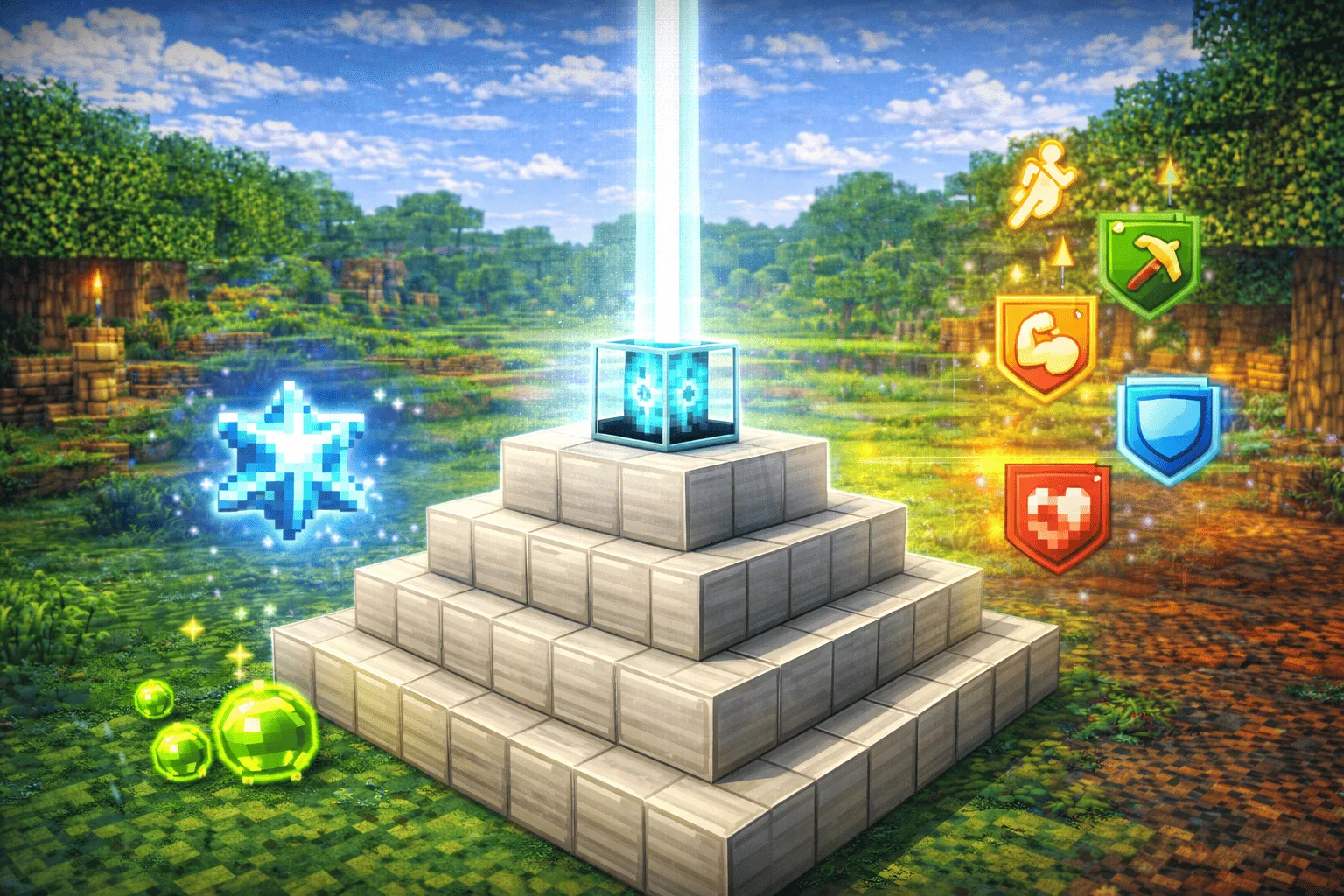
The Beacon is one of the most powerful blocks in Minecraft. Once activated, it emits a column of light visible from very far away and grants permanent status effects to all players within its radius: Speed, Haste, Strength, Resistance, or Regeneration. It is the ultimate reward for advanced Survival progression and a decisive advantage in multiplayer. This comprehensive 2026 guide explains how to obtain it, craft it, build the pyramid, and maximize its effects.
What is the Beacon in Minecraft?
The Beacon is a functional block that acts as a source of permanent area buffs. It must be placed on top of a pyramid of mineral blocks to activate, and its power depends directly on the size of this pyramid.
Block that emits a column of light visible from afar
Once activated, the Beacon projects a vertical light beam that rises up to the ceiling of the dimension (sky limit or bedrock ceiling in the Nether). This beam is visible from very far away and serves as a permanent visual marker to find your base, even from hundreds of blocks away. Its color can be changed by placing a colored glass block in the beam.
Provides passive status effects within a defined radius
The Beacon continuously broadcasts status effects to all players (and only players) within a horizontal radius defined by the pyramid level. These effects are automatically renewed every 4 seconds: as long as you stay in the area, the effects never wear off. As soon as you leave the radius, a 9-second timer starts before they disappear, giving you a small margin of maneuver.
How to Obtain the Nether Star (required for crafting)
The Beacon can only be crafted with a Nether Star, the rarest item to obtain in vanilla gameplay. There is only one way to get it.
Kill the Wither boss
The Nether Star is the guaranteed drop from the Wither, the summonable three-headed boss. Each Wither kill gives exactly 1 Nether Star, no exceptions. If you haven't faced the Wither yet, our complete guide to summoning and defeating the Minecraft Wither covers the entire process: obtaining Wither Skeleton skulls, choosing the right place for summoning, and combat strategy based on your equipment.
The Nether Star cannot be crafted otherwise
Unlike almost every other item in the game, the Nether Star has no alternative crafting recipe. It is also not found in structure chests, cannot be bought from villagers, and cannot be fished. The only way to get one is to kill the Wither, as many times as you want Beacons. If you aim for multiple Beacons to cover a large base, plan for as many Wither kills.
Beacon Crafting Recipe
Once you have the Nether Star, crafting the Beacon is simple and its other ingredients are accessible early in progression.
Ingredients: 1 Nether Star + 3 obsidian + 5 glass blocks
1 Nether Star: dropped by the Wither, the only rare ingredient.
3 Obsidian Blocks: obtained by pouring water over lava, or mining with a diamond or Netherite pickaxe.
5 Glass Blocks: crafted by smelting sand in a furnace (1 sand = 1 glass). Any color of glass works.
Crafting pattern
Arrange the ingredients in the crafting table as follows:
Glass      Glass      Glass
Glass   Nether Star   Glass
Obsid.    Obsid.      Obsid.
(Top row: 3 glass blocks. Middle row: glass on the left, Nether Star in the center, glass on the right. Bottom row: 3 obsidian blocks.)

Building the Pyramid under the Beacon
A Beacon placed alone does nothing. It must rest on a pyramid of mineral blocks to activate. The size of the pyramid determines the range of effects and the number of simultaneous effects available.
Level 1 (3x3): 1 effect, 20-block range
The level 1 pyramid is a single layer of 9 blocks (3x3) with the Beacon placed in the center. It activates 1 status effect at level I within a 20-block horizontal radius around the Beacon. This is the minimal setup to benefit from effects, ideal if you don't have many mineral blocks yet.
Level 2 (5x5): 2 effects, 30-block range
The level 2 pyramid consists of 2 layers: a 5x5 layer (25 blocks) at the bottom, and a 3x3 layer (9 blocks) on top, with the Beacon at the summit. Total: 34 blocks. It unlocks a second effect slot and extends the range to 30 blocks.
Level 3 (7x7): 3 effects, 40-block range
The level 3 pyramid adds a third 7x7 layer (49 blocks) at the base. Total: 83 blocks. It unlocks a third effect slot and increases the range to 40 blocks.
Level 4 (9x9): 4 effects + Regeneration, 50-block range
The maximum pyramid adds a fourth 9x9 layer (81 blocks) at the base. Total: 164 blocks. This is the optimal setup: maximum range of 50 blocks, 4 effect slots available, and unlocks the Regeneration effect in the secondary slot (the only one accessible only at level 4).
| Level | Base dimensions | Blocks required | Range | Effects |
|---|---|---|---|---|
| 1 | 3x3 | 9 blocks | 20 blocks | 1 |
| 2 | 5x5 | 34 blocks | 30 blocks | 2 |
| 3 | 7x7 | 83 blocks | 40 blocks | 3 |
| 4 | 9x9 | 164 blocks | 50 blocks | 4 + Regeneration |

To activate your Beacon's effects once the pyramid is built, open its interface (right-click), select the desired effects in the available slots, and confirm with an ingot of the material used for your pyramid (iron, gold, diamond, emerald, or Netherite). Only one ingot is needed for each activation or effect change.
List of Available Effects
The Beacon offers 5 primary effects spread across the 4 pyramid levels, plus 1 secondary effect exclusive to level 4.
Speed, Haste, Resistance (levels 1 and 2)
Speed: increases the player's movement speed. At level II (available if the pyramid is level 4), the boost is very significant for fast travel over long distances.
Haste: increases mining and attack speed. Combined with an Efficiency V pickaxe, Haste II allows you to mine blocks almost instantly, which is a huge advantage for large construction or terraforming projects.
Resistance: reduces all damage taken by 20% at level I. Essential in intense combat zones or for PvP servers.
Jump Boost, Strength (levels 3 and 4)
Jump Boost: increases jump height and reduces fall damage. Useful for navigating rough terrain but often deprioritized compared to other effects.
Strength: increases melee damage. At level II, the damage bonus is +6 per hit, turning any weapon into a killing machine, especially effective against bosses and raids.
Regeneration (level 4 only)
Regeneration is the most powerful Beacon effect and the hardest to obtain: it is only available in the secondary slot with a full level 4 pyramid. It passively regenerates health continuously as long as the player stays in the area. Combined with Resistance or Strength as primary effects, it makes players in the area almost invulnerable during base fights.
| Effect | Min. pyramid level | Level II available | Main use |
|---|---|---|---|
| Speed | 1 | Yes (level 4) | Fast movement |
| Haste | 1 | Yes (level 4) | Ultra-fast mining |
| Resistance | 2 | No | Damage reduction |
| Jump Boost | 3 | No | Terrain navigation |
| Strength | 3 | Yes (level 4) | Melee damage |
| Regeneration | 4 (secondary) | No | Passive survival |
Minecraft Beacon FAQ
Which blocks can be used for the pyramid?
The pyramid must be built exclusively with compressed mineral blocks: iron blocks, gold blocks, diamond blocks, emerald blocks, or Netherite blocks. Raw ores or single ingots do not work. You can mix different types of blocks in the same pyramid without any penalty: a pyramid made half of iron blocks and half of gold blocks works exactly like a single-material pyramid. The choice of material does not affect the effects or range: only the level (number of layers) matters. The most economical is to build everything with iron blocks, which are easily accessible with a good iron farm.
Does the Beacon work underground?
Yes, under one condition: the light beam must not be blocked by opaque blocks between the Beacon and the sky. If even a single solid block (stone, dirt, wood) is directly above the Beacon in the vertical column, it turns off and the effects stop. However, transparent or semi-transparent blocks like glass, ice, or water do not block the beam. If you want to install a Beacon in an underground base, replace the ceiling above it with glass to let the beam reach the surface. The effects themselves work normally underground as long as the beam is unobstructed.
Can you move a Beacon without breaking it?
Yes. The Beacon can be broken and picked up with any tool, even by hand, without any special enchantment required. It does not require Silk Touch to be recovered intact, unlike some fragile blocks. However, if the Beacon is destroyed by an explosion (TNT, creeper, Wither skull), it is lost forever. Be sure to protect your Beacon in an explosion-proof area if you play on a server with environmental damage risks. To enjoy Beacon buffs with your whole team on a dedicated server, check out our Minecraft hosting offers for stable, uninterrupted infrastructure.
Share your Beacon buffs with your entire team on a free Minecraft server, deployed in 2 minutes with no commitment on OuiHeberg.