
 Client area
Pterodactyl Egg for Hytale
Automated Hytale Server Installation
Download our free official Pterodactyl egg for Hytale and deploy your server in just a few clicks. Compatible with all Pterodactyl panels, optimized for performance and regularly updated.

Download Hytale Egg for Pterodactyl
Ready-to-use JSON file to deploy your Hytale server on Pterodactyl Panel
egg-hytale.json
Official Pterodactyl configuration for Hytale server. Includes all necessary parameters for optimal installation and management of your server.
What is a Pterodactyl egg?
A Pterodactyl egg is a JSON configuration file that contains all the information needed to automatically install and manage a specific game server. It includes installation commands, environment variables, default ports, and startup scripts.
Requirements
To use this egg, you need a Pterodactyl panel installed with administrator rights. The target server must have at least 4 GB of available RAM to run Hytale properly.
Need hosting for your Hytale server?
Discover our high-performance Hytale server hosting with 10 Gbps infrastructure, Gaming Anti-DDoS protection, 30-second installation, and 24/7 technical support.
Hytale Hosting
Import the Egg into Pterodactyl
Configure the egg in your Pterodactyl admin panel
Log into the admin panel
Connect to your Pterodactyl panel with your administrator credentials. The URL is usually in the format:
https://votre-panel.ouiheberg.com/admin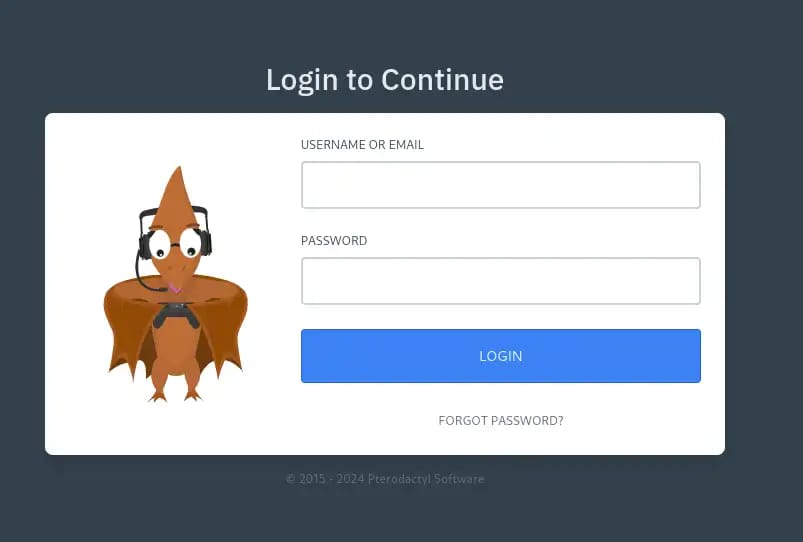
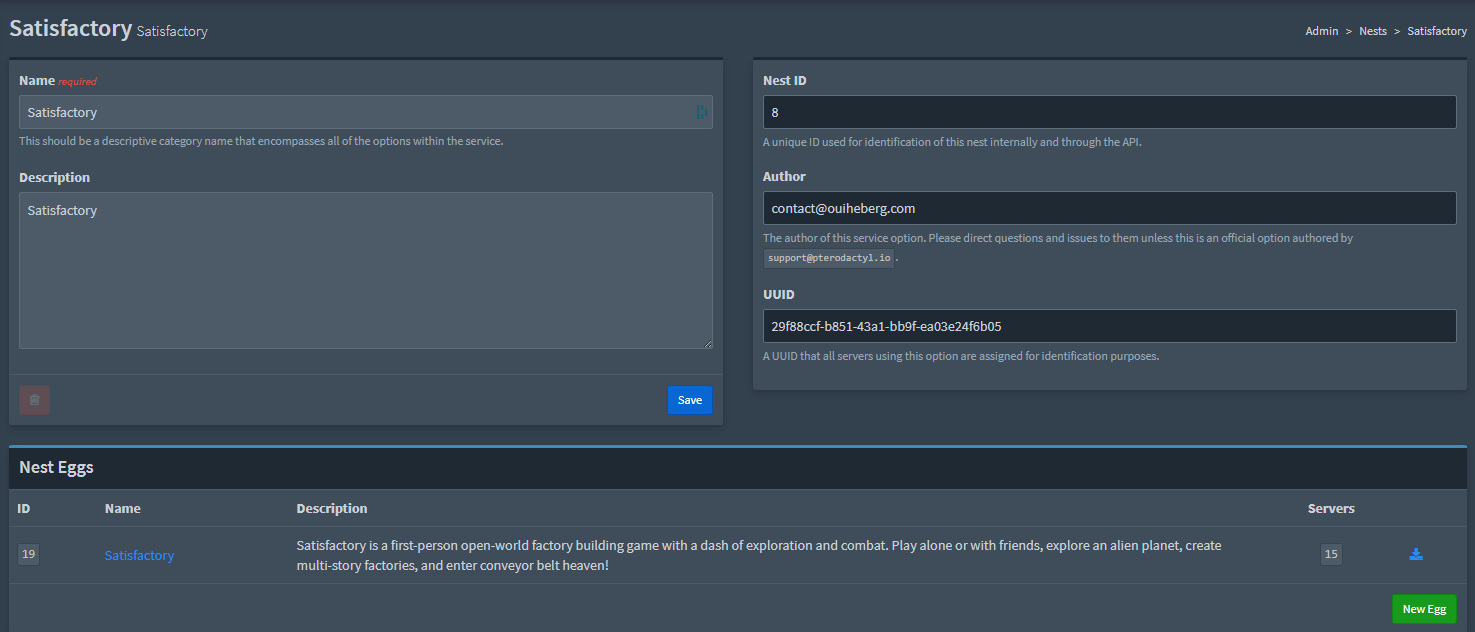
Access the Nests menu
In the admin panel, navigate to the Nests section where all your eggs are organized by category.

Import the new egg
In the selected Nest, proceed with importing your JSON file:
- Click the green 'Import Egg' button in the top right
- Select the JSON file you downloaded from eggs.pterodactyl.io
- Click 'Import' to confirm the import

Verify and configure the egg
Once imported, the egg appears in the list. You can now:
Some eggs require additional environment variable configuration. Check the egg author's recommendations.
Create a server with the egg
Your egg is now ready to use! Create a new server and select the egg you just imported.
You can now deploy as many servers as you want using this egg.
Ready to launch your Hytale server?
Host your Hytale server with OuiHeberg with pre-installed Pterodactyl, egg included, DDoS protection and 24/7 support. 30-second installation.
Frequently Asked Questions
Everything you need to know about the Pterodactyl Hytale egg
How do I install this egg in Pterodactyl?
Download the JSON file, log in to your Pterodactyl panel as administrator, go to Admin > Nests, select the appropriate nest, then click 'Import Egg' and select the downloaded file.