
 Client area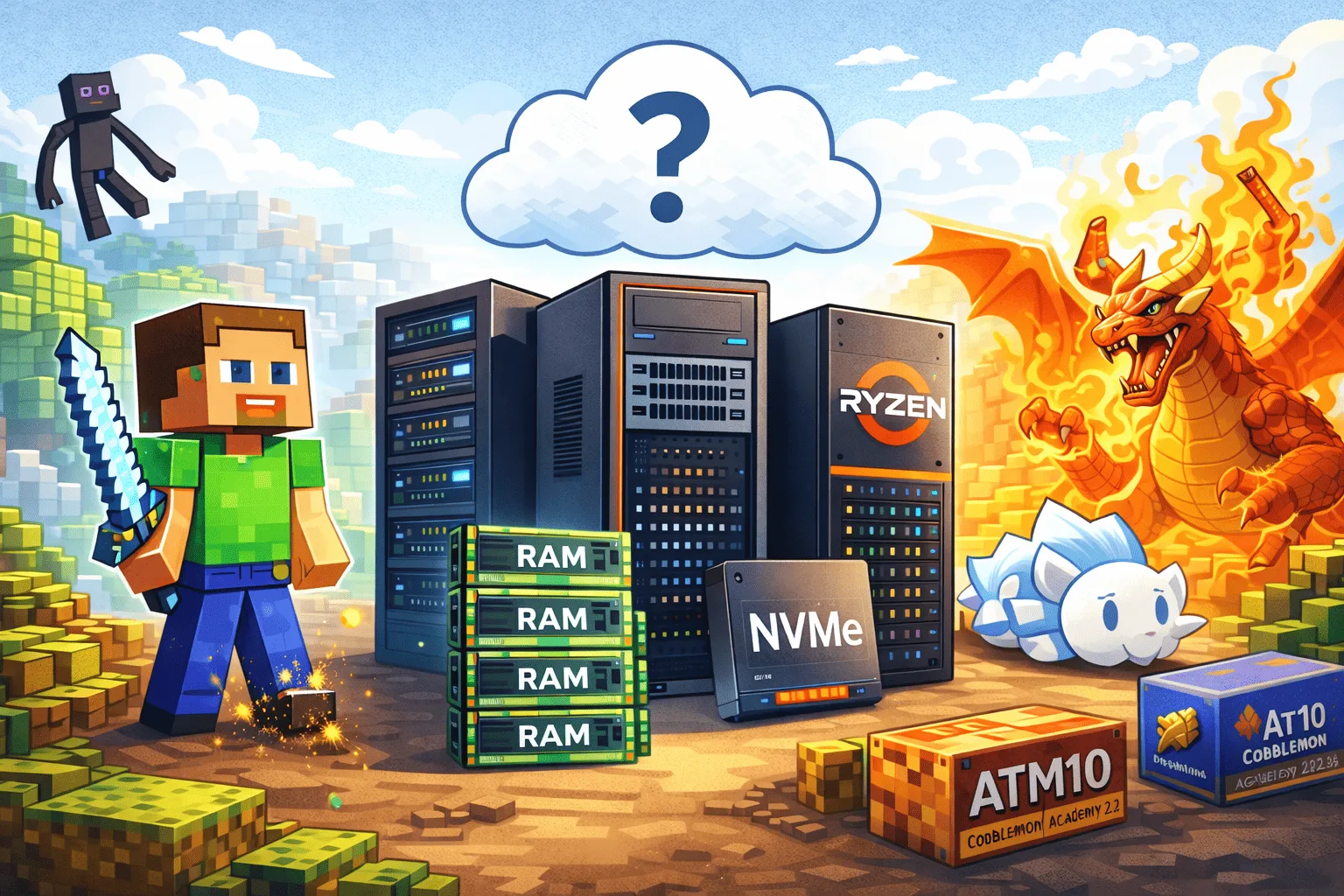
A modded Minecraft server is nothing like a Vanilla server. While a classic server runs comfortably with 4 GB of RAM and a modest processor, a modpack with 300+ mods may require 12 GB of RAM, a CPU clocked at 4 GHz+, and NVMe storage to load chunks without lag. The reasons are simple: each mod adds blocks, entities, dimensions, and mechanics that the server must manage in real-time. Add several players exploring in different directions, and the load increases very quickly.
This guide helps you choose the right configuration and the right Minecraft hosting for your modded Minecraft host. You will find the recommended RAM per modpack, the best server modpacks in 2026, a comparison of mod loaders, and essential optimizations to maintain stable TPS on your modded Minecraft server.
How Much RAM for a Modded Server?
RAM is the most critical factor for a modded Minecraft server. Unlike a Vanilla server where RAM is mainly used to store chunks and entities, a modded server must also manage hundreds of custom blocks, automation systems, additional dimensions, and a large number of tile entities. Underestimating the RAM for a modded Minecraft server can lead to crashes, TPS dropping below 15, and a frustrating experience for your players.
The values below are based on community feedback and recommendations from modpack creators. They assume 5 to 10 players simultaneously with normal usage (exploration, building, moderate automation).
ATM10 (All The Mods 10)
All The Mods 10 is the most demanding pack of 2026. With about 500 mods (Create, Mekanism, Applied Energistics 2, Botania, and dozens of others), it runs on NeoForge 1.21.1 and requires Java 21. In terms of RAM, plan for at least 10 GB for 1 to 5 players, with 12 to 16 GB recommended for real comfort. Beyond 10 players or with heavy automation, aim for 16 GB or more. The CPU must imperatively offer a high single-thread frequency (3.8 GHz+), as ATM10 heavily stresses Minecraft's main thread.
Better MC
Better MC is a Vanilla+ pack that enriches the game without radically transforming it. The BMC4 version (Forge, 1.20.1) contains about 200 to 320 mods depending on the version, with new biomes, structures, bosses, and dimensions. It is significantly less demanding than ATM10: count on 6 GB minimum and 8 GB recommended for a smooth server. Better MC is an excellent choice for groups who want additional content without the "kitchen-sink" aspect of other packs.
RLCraft
RLCraft is the quintessential hardcore Minecraft modpack server. Thirst system, temperature, realistic injuries, and extremely dangerous mobs: each session is a survival challenge. The pack runs on Forge 1.12.2 with about 120 to 150 mods. It consumes 6 GB minimum and 8 GB recommended. Despite its age (Minecraft 1.12.2), RLCraft remains demanding due to the complexity of mob AI and survival mechanics that run continuously. The advantage: Java 8 is sufficient, and the pack benefits from many years of community optimization.
Cobblemon Academy 2.0
Cobblemon Academy 2.0 transforms Minecraft into a complete Pokémon RPG: capture, training, arenas, badges, and mega-evolutions. This Fabric 1.21.1 pack is particularly demanding in chunk generation due to its three combined biome mods (William Wythers, Oh The Biomes We've Gone, Regions Unexplored). Plan for 6 to 8 GB for a small group and 10 to 12 GB for 10 players or more. Count about 500 to 800 MB of RAM per connected player. Pre-generating the world with Chunky is highly recommended to avoid lag spikes during exploration.
Best Minecraft Server Modpacks 2026
Choosing a Minecraft server modpack is about finding the balance between the content offered, performance, and multiplayer stability. Here are the five packs that stand out in 2026 for server play.
ATM10 (All The Mods 10) remains the reference for kitchen-sink packs. With its 500 mods, guided quest system, and endgame centered on crafting the ATM Star, it offers hundreds of hours of content for groups who enjoy mixing technology, magic, and exploration. Available on NeoForge 1.21.1.
Better MC BMC4 is the ideal choice for players who want an enhanced Vanilla experience without the complexity of a kitchen-sink pack. New biomes, new structures, unique bosses, and improved quality of life, all with decent performance on modest hardware.
RLCraft continues to attract extreme difficulty enthusiasts. It's one of the few packs where dying is part of the normal gameplay. Its longevity and active community make it a reliable choice for hardcore survival servers.
Cobblemon Academy 2.0 has exploded in popularity thanks to French streamers like Etoiles. It's the ideal pack for playing with friends in a complete Pokémon universe, with an engaging progression system and a strong social aspect (trades, player battles, arenas).
Prominence 2: Hasturian Era offers a deep RPG experience with original lore, a talent tree, artifacts to forge, and powerful bosses. It's an excellent pack for groups seeking a narrative adventure in multiplayer.
To discover more mods and modpacks, check out our selection of the best Minecraft mods.
Forge, Fabric, or NeoForge?
The choice of mod loader determines the available mods, performance, and ease of maintenance for your Minecraft Forge server. Here's what you need to know to make the right choice.
Forge has been around since 2011 and has the largest catalog of mods, especially for versions 1.12.2 to 1.20.1. It's the loader for RLCraft, Better MC, and thousands of content mods (Tinkers' Construct, Twilight Forest, etc.). However, Forge is slower to start and consumes more RAM than its alternatives. For versions 1.20.1 and earlier, Forge remains the default choice if your modpack requires it.
Fabric is a lightweight and modern loader designed for performance. It starts quickly, consumes few resources, and excels with optimization mods (Sodium, Lithium, Iris). Fabric is the loader for Cobblemon Academy 2.0 and many recent packs. Its API is simpler than Forge's, which attracts modders but sometimes limits the depth of possible modifications.
NeoForge is the successor to Forge for versions 1.20.5 and above. Created in 2023 by a large part of the original Forge team, it offers more open governance and faster development. The biggest modpacks of 2026 (ATM10, All the Mons) already run on it. For new installations on Minecraft 1.21+, NeoForge is the recommended choice. For a complete guide, check out our article on NeoForge Minecraft.
In summary: choose the loader required by your modpack. If you're starting from scratch on a recent version, opt for NeoForge for heavy content packs and Fabric for performance and lightweight packs.
Installing a Modpack on Your Server
Installing a modpack on a hosted server is much simpler than self-hosting. On OuiPanel, for example, the process boils down to a few clicks: stop the server, open the Version Manager, select your modpack from the catalog (CurseForge, Modrinth, or OuiHeberg validated modpacks), start the installation, and restart.
A few important points to keep in mind: installing a modpack replaces the existing server files, so always back up your world beforehand. Check that the Java version matches the modpack (Java 21 for Minecraft 1.21+, Java 17 for 1.18 to 1.20.4, Java 8 for 1.16.5 and earlier). Ensure that the allocated RAM is sufficient, as a modpack that starts does not mean it runs correctly with players on it.
For a detailed step-by-step tutorial, check out our guide on installing a modpack on your Minecraft server.
Optimizing Performance
A modded server that runs at 20 TPS at startup can easily drop below 15 TPS after a few hours of play. Here are the two most effective optimization levers.
Recommended JVM Flags
JVM (Java Virtual Machine) arguments directly influence memory management and your server's performance. For a modded server, Aikar's flags are the reference:
java -Xms8G -Xmx8G -XX:+UseG1GC -XX:+ParallelRefProcEnabled -XX:MaxGCPauseMillis=200 -XX:+UnlockExperimentalVMOptions -XX:+DisableExplicitGC -XX:G1NewSizePercent=30 -XX:G1MaxNewSizePercent=40 -XX:G1HeapRegionSize=8M -XX:G1ReservePercent=20 -XX:G1MixedGCCountTarget=4 -XX:InitiatingHeapOccupancyPercent=15 -XX:G1MixedGCLiveThresholdPercent=90 -XX:G1RSetUpdatingPauseTimePercent=5 -XX:SurvivorRatio=32 -XX:+PerfDisableSharedMem -XX:MaxTenuringThreshold=1 -jar server.jar nogui
Adjust the -Xms and -Xmx values to your allocated RAM (keep them identical or close). For Forge and NeoForge, add -Dfml.readTimeout=120 -Dfml.loginTimeout=120 before -jar to avoid timeouts when loading heavy modpacks.
Server Optimization Mods
Installing a few optimization mods can radically transform performance. On NeoForge, the must-haves are FerriteCore (reduces RAM consumption by 30 to 40%), Canary (Lithium port to speed up ticks), and ModernFix (speeds up startup and reduces memory leaks). On Fabric, Lithium, Starlight, and Krypton form the basic trio.
For a complete list, check out our guide on optimizing TPS and FPS with NeoForge.
Also, consider pre-generating your world with Chunky before opening the server to players. Real-time chunk generation is one of the primary causes of TPS drops on modded servers.
Choosing a Host for Modded
Not all Minecraft hosts are equal for modded. A server running ATM10 with 10 players has radically different needs from a Vanilla server. Here are the three essential criteria to check before choosing your modded Minecraft host.
Dedicated and expandable RAM. Beware of "unlimited" offers that share resources. For modded, you need RAM truly allocated to your server, not shared with other instances. Also, check that it's possible to increase RAM without recreating the server, as your needs will likely evolve over time.
High-frequency processor. Minecraft is single-threaded for most of its calculations. A processor with a high single-thread frequency (Ryzen 9 at 4.5 GHz+, for example) will make much more difference than 8 cores at 2.5 GHz. It's the most underestimated factor by players who choose a host based solely on RAM.
Technical support knowledgeable about modded. A Forge server crash with a 200-line stacktrace cannot be debugged with generic support. Check that the host offers assistance capable of helping you with mod-specific issues: conflicts, memory leaks, JVM flag optimization.
OuiHeberg offers Minecraft servers with Ryzen 9 processors, NVMe storage, expandable dedicated RAM, and French support 7 days a week familiar with the modded ecosystem. Check out the Minecraft hosting offers to find the configuration suited to your modpack.