
 Client area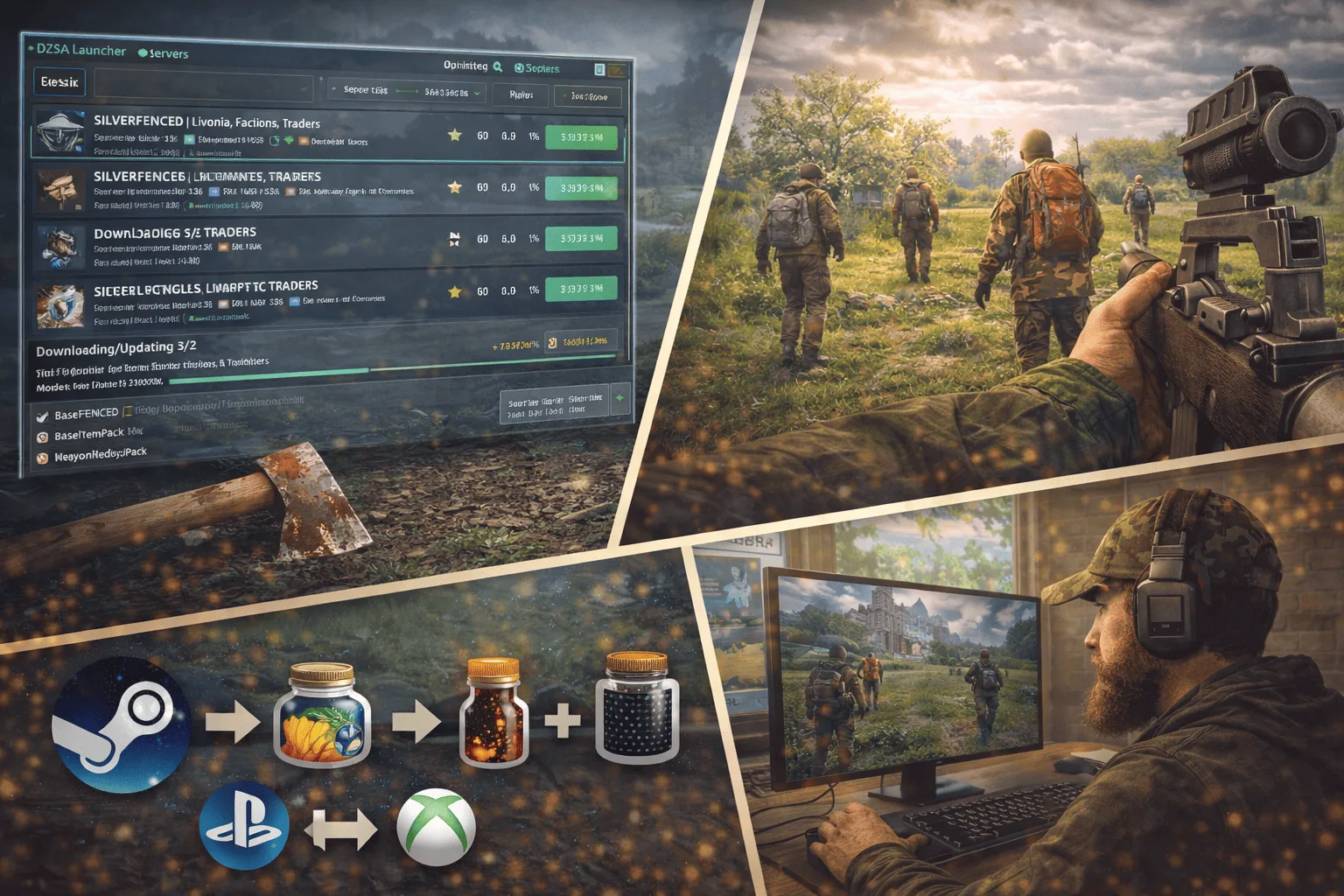
DayZ: How to Join a Server
Joining a DayZ server for the first time can seem confusing: official launcher, DZSA Launcher, direct connection by IP, mod filters... The options are numerous and poorly documented. This guide explains step by step how to find and join a DayZ server in 2026, whether via the official Steam launcher, the community DZSA Launcher, or direct connection. You will also find the current state of crossplay and the steps to create your own server.
Joining a Server via the Official Launcher
The simplest and safest method to join a DayZ server is the integrated launcher via Steam. Since recent updates, Bohemia Interactive has significantly improved its native server browser.
To use it, launch DayZ from your Steam library. The official launcher opens before the game and displays a list of servers. You can filter by type (official or community), by map (Chernarus, Livonia, Sakhal), by the number of connected players, by ping, and by the presence of mods. Select a server and click "Play": the launcher automatically downloads the required mods via the Steam Workshop, then initiates the connection.
Direct connection is also possible from the official launcher. Click on "Direct Connect" at the bottom of the interface, enter the server's IP address and port (format 123.456.78.90:2302), then validate. This method is useful if you know the exact address of a private or community server that does not appear in the list.
To favorite a server, click on the star next to the server's name. You will then find it in the "Favorites" tab for quick reconnection without searching again.
Installing and Using the DZSA Launcher (DZSALauncher)
The DZSALauncher is a very popular third-party community launcher among modded server players. Its main advantage is the automatic management of mods: when you join a server, the DZSA downloads and installs all required mods without manual intervention, avoiding version errors or missing mods.
Installing the DZSA Launcher. Visit the official site dayzsalauncher.com (beware: there are unofficial sites with similar names). Download the installer, run it, and follow the steps: choose the installation folder, create the desktop shortcut. The installation takes a few seconds.
Initial Configuration. On the first launch, the DZSALauncher asks for your in-game nickname (modifiable at any time in the settings). Then check that the path to your DayZ installation is correct in the settings (gear icon at the top right). The default path is usually C:\Program Files (x86)\Steam\steamapps\common\DayZ. You can also enable the "No Splash" option to speed up the game's launch.
Search and Connection. The main interface displays the complete list of compatible community servers. Use the search bar to find a server by name or directly type an IP address. The displayed information includes the number of players, ping, the map used, and the list of installed mods. Click "Play" to join: the DZSA automatically manages the mod downloads. The star to the left of each server allows you to add it to favorites.
Official Launcher vs DZSA: Which to Choose? The official Steam launcher is sufficient for official servers and most community servers. The DZSALauncher remains preferred by players frequenting heavily modded servers, thanks to its smoother mod management and faster search interface. Both tools are free and work in parallel without conflict.
Finding the Right DayZ Server
With thousands of active servers, choosing the right one can be daunting. Here are the main criteria to consider.
The ping is the most important technical factor. A ping below 80 ms ensures a smooth experience (movement, combat, interactions). Favor servers hosted in your region (France, Germany, Netherlands for French-speaking Europe).
The server type determines the gaming experience. Bohemia Interactive's official servers offer a vanilla experience without mods. Community servers vary greatly: hardcore PvP, cooperative PvE, roleplay (RP), realistic survival, or servers with increased loot and traders. Read the server description and its rules before joining.
The population directly influences gameplay. A server with 60 players on Chernarus offers frequent encounters and intense PvP. A server with 10-20 players is better suited for exploration and calm survival. Beware of servers permanently showing 0 players: they may be poorly configured or abandoned.
The installed mods appear in the server description (on both the official launcher and the DZSA Launcher). The most common mods include trader systems, additional vehicles, modified weapons, and custom maps. Ensure your connection can handle the initial download (some mod packs exceed 10 GB).
For advanced search outside of the launchers, the BattleMetrics site offers a complete directory with population histories, regional rankings, and detailed filters.
Crossplay on DayZ
The question of DayZ crossplay constantly arises in the community. The answer is clear: DayZ does not support crossplay between platforms. PC, PlayStation, and Xbox players operate on completely separate servers and cannot play together.
This separation is explained by several technical reasons. The Enfusion engine used by DayZ was not designed for crossplay. The voice communication systems (VOIP) differ between platforms. Balancing between keyboard/mouse (PC) and controller (console) would pose fairness issues in PvP. Finally, the PC version supports mods and private servers, which is not the case for console versions to the same extent.
However, intergenerational DayZ crossplay exists within the same console family. Xbox One players can play with Xbox Series X/S players on the same servers. Similarly, PS4 and PS5 players share the same PlayStation servers. This works because both generations use the same network infrastructure within each ecosystem.
There is also no cross-progression. Your character, inventory, and progression are tied to a single platform. Switching from console to PC (or vice versa) means starting from scratch.
Bohemia Interactive has not announced any official crossplay project in its roadmap. The community continues to request it, but technical and commercial constraints make this feature unlikely in the short term.
Create Your Own DayZ Server
Hosting your own DayZ server offers total control: choice of map, loot configuration, mod installation, player and rule management. Two approaches are possible.
Self-hosting involves running the server on your own machine via Bohemia Interactive's DayZ Server Tools (available for free on Steam under "DayZ Server"). This method is free but demanding: it uses your internet connection (stable upload speed required), requires a PC to be on permanently, and exposes your home network. Port forwarding (port 2302 UDP by default) must be manually configured on your router.
Professional hosting is the preferred solution for serious community servers. A game server host provides the hardware, bandwidth, Anti-DDoS protection, and a management panel. You only need to configure the game settings and install your mods.
The OuiBox offers from OuiHeberg allow you to create and manage multiple game servers from a single interface, with over 32 supported games, high-frequency processors, NVMe storage, and included Anti-DDoS Gaming protection. The advantage of the OuiBox system is flexibility: your resources (RAM, CPU, storage) are shared among all your servers. You can host a DayZ server alongside a Minecraft or Rust server without multiplying subscriptions.
After going online, consider registering your server on the DZSA Launcher via the verification page on dayzsalauncher.com to increase its visibility among players using this launcher.
DayZ FAQ
Do I need to buy DayZ on Steam to join a server?
Yes. DayZ is a paid game available on Steam (PC), PlayStation Store, and Xbox Store. There is no free-to-play version. The game is regularly on sale during Steam sales (up to 50% off).
Is the DZSA Launcher safe?
The DZSALauncher available on dayzsalauncher.com has been used by thousands of players for several years. Some antivirus programs may flag false positives due to the automatic management of mod files. If you have doubts, the official Steam launcher remains a reliable alternative that also automatically manages mods.
Why am I being kicked from a server for "missing mod"?
This happens when the version of a mod installed on your client does not match the server's version. Check for updates in the Steam Workshop or reconnect via the DZSA Launcher, which forces version synchronization.
What ping is acceptable for playing DayZ?
A ping below 100 ms is acceptable for survival and exploration. In PvP, aim for less than 50 ms to avoid desynchronizations during close combat. Servers hosted in France or Germany generally offer a ping of 10 to 40 ms for European players.
Will DayZ ever be crossplay?
No official announcement confirms the arrival of DayZ crossplay. The Enfusion engine was not designed for this feature, and Bohemia Interactive has mentioned major technical obstacles, particularly regarding VOIP and keyboard/mouse vs controller balancing.