
 Client area
How to create a GSLT for a CS2 server
To create a GSLT for a CS2 server, open Steam's page for game server accounts, enter App ID 730, then paste the token into OuiPanel, the OuiHeberg game panel. The token is free and is created with your own Steam account. Without it, your server does not connect to Steam.
This guide follows each step, from the Steam account requirements to the first start. Your server is not installed yet? Follow the guide How to set up a CS2 dedicated server first. If you are looking for CS2 server hosting, our plans are listed on our sales page.
What is a GSLT for?
The GSLT, short for Game Server Login Token, is the token a game server uses to log in to Steam. It links the server to a Steam account, yours. According to Valve's developer wiki, a CS2 server needs this token so that other players can join it.
In OuiPanel, you paste the token into the Steam game server login token (GSLT) variable. On delivery, this field is not empty. Its default value does not allow a connection to Steam, and the field cannot be emptied.
As long as you have not pasted your own token there, here is what we saw on a test server.
The server does not connect to Steam.
OuiPanel stays on the Starting status.
The server does not show up in the Steam server list.
VAC, Valve's anti-cheat, stays inactive.
Check the Steam account requirements
Valve sets these requirements on its game server account page.
The account is not community banned or locked.
The account is not limited. According to Steam Support, it must have spent at least $5 in the Steam store. Free games do not count, Counter-Strike 2 included.
The account has a registered phone number that meets Steam's conditions.
The account owns the game. Counter-Strike 2 is free on Steam.
A single Steam account can create up to 1,000 tokens.
Create the token on Steam
Open steamcommunity.com/dev/managegameservers and sign in with your Steam account.
In the App ID of the base game field, enter
730, the App ID of Counter-Strike 2. Do not use740, the number of the old CS:GO server.In Memo, write anything that helps you recognize the server, such as its name.
Confirm, then copy the token shown. It has 32 letters and digits.
According to Valve's developer wiki, a token only works for one server. For two servers, create two tokens, each with its own memo.
Paste the token into OuiPanel
Log in to OuiPanel at dash.ouipanel.com and open your CS2 server.
Open Configuration › Server Settings, then scroll down to the Environment Variables block.
In Steam game server login token (GSLT), select the default value, then paste your token in its place.
Click the check mark to the right of the field to store it. Its tooltip says Save.
In the Console, click Start. The token is read at startup.

The field only accepts 32 letters and digits. Check that no space was copied along with the token.
If the server was already running, it must restart to read the new token. The Restart button is greyed out while the status is Starting. In that case, click Stop, wait for the Offline status, then click Start.
Never give your token to anyone. Valve forbids it, and the account that created it is responsible for it. If a game server account is banned, Valve may restrict that account from playing the games involved. The panel console also shows the token at startup. So do not share a screenshot of the console without hiding it.
Check that the server connects to Steam
OuiPanel shows Running as soon as the game has connected to Steam. If the status stays on Starting, the server is not connected.
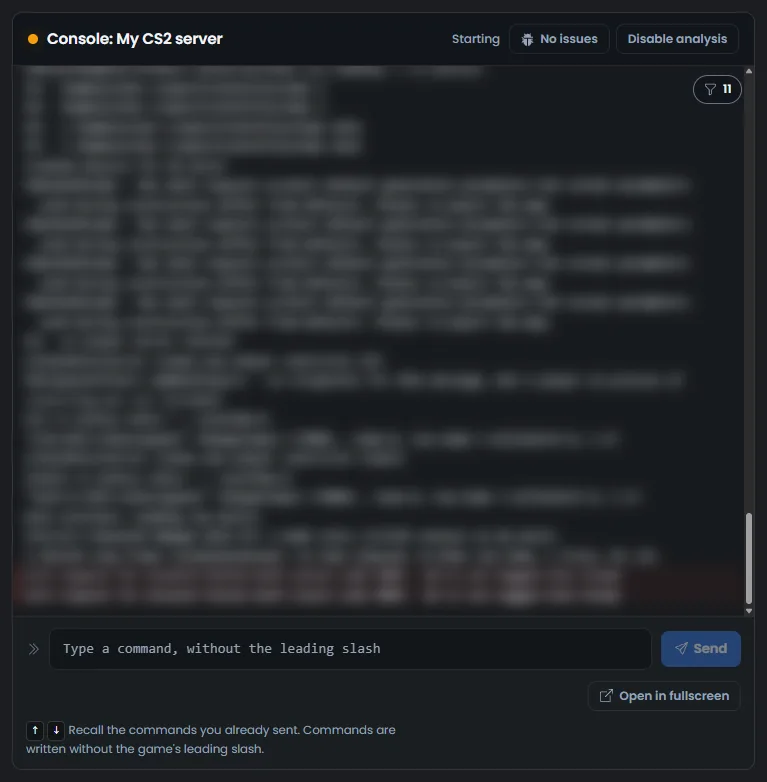
With your token, the status should change to Running right after the connection to Steam. VAC should then be active, and the server should show up in the Steam server list. We have not yet run this test with a real token.
If the token does not work
| Symptom | Solution |
|---|---|
| The server stays on Starting | The token is missing, badly copied or refused by Steam. Copy it again in full from the Steam page, or create a new one. Then stop the server and start it again |
| The field refuses the token | It only accepts 32 letters and digits. Remove the extra space or character |
| The field cannot be emptied | This is normal. Replace the default value with your token |
| All your tokens stopped working | If your Steam password was reset through the Steam help site or by Steam Support, Valve regenerates all your tokens. Copy the new token from the Steam page |
| A token unused for a long time no longer works | According to Valve, a token that goes unused for a long time expires. Regenerate it on the Steam page, then paste it again |
| Two servers use the same token | A token only works for one server. Create one for each server |
Need help?
Open a ticket from Tickets › Open a Ticket, or from the Contact support tile at the bottom of your server's page in the client area. You can also ask your question on the OuiHeberg Discord.
CS2 server hosting from $5.78/mo, on Valve's native Linux dedicated server with 4 GB of RAM and 90 GB of NVMe storage or more, SFTP access, backups and DDoS protection included.
View plans →